Your final score is: points!
Thank you for your assistance.
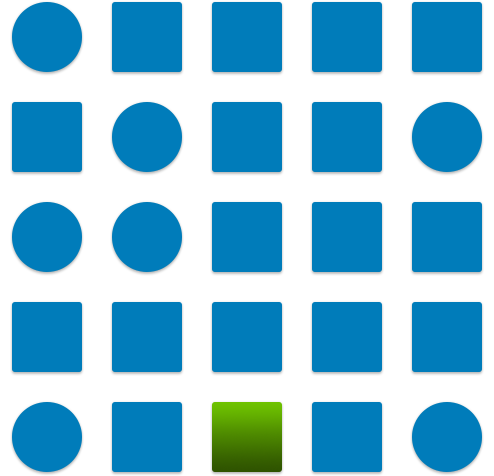
You have three seconds to click on the green shape on each screen.
The arrangement of the shapes will be similar to the visual below:

You have three seconds to click on the green shape on each screen.
The arrangement of the shapes will be similar to the visual below:

You have three seconds to click on the green shape on each screen.
The arrangement of the shapes will be similar to the visual below:
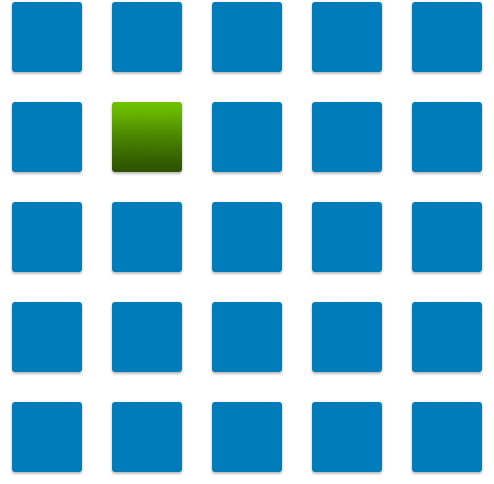
You have three seconds to click on the green shape on each screen.
The arrangement of the shapes will be similar to the visual below:
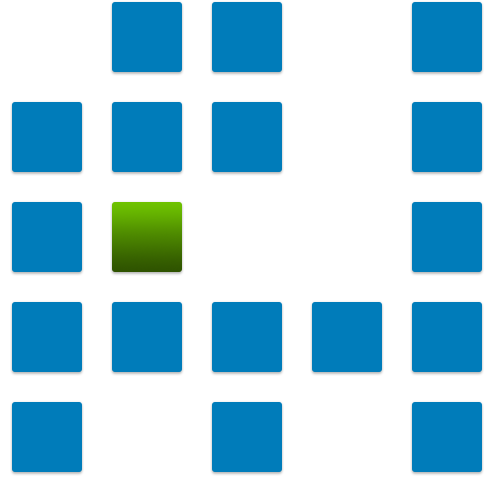
You have three seconds to click on the green shape on each screen.
The arrangement of the shapes will be similar to the visual below:
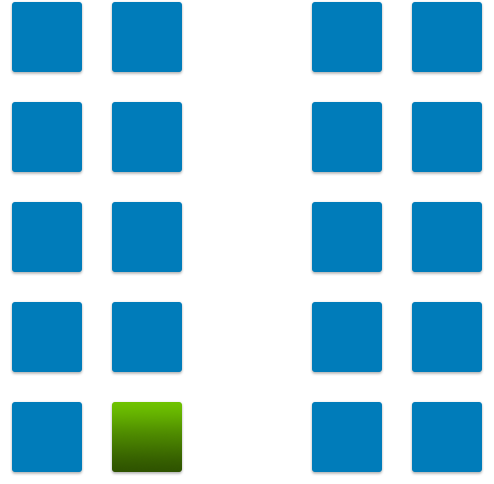
You have three seconds to click on the green shape on each screen.
The arrangement of the shapes will be similar to the visual below:
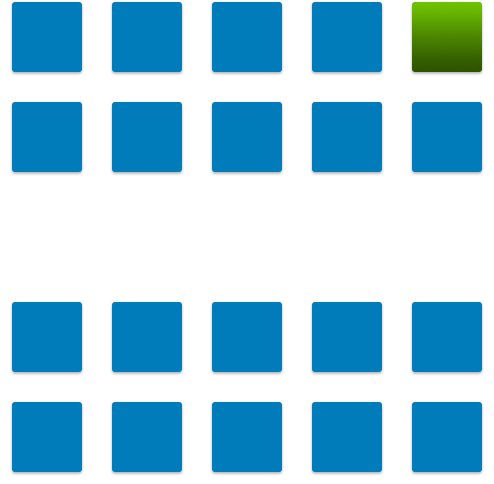
You have three seconds to click on the green shape on each screen.
The arrangement of the shapes will be similar to the visual below:
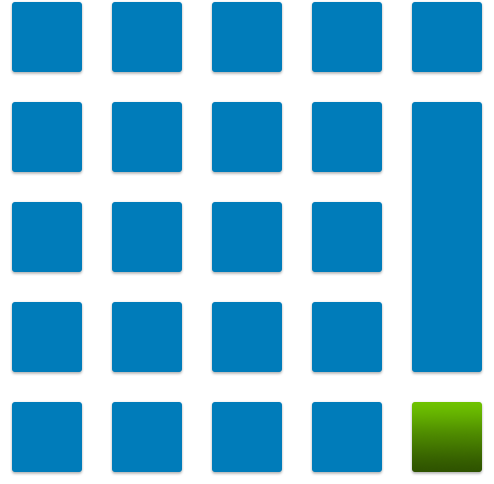
You have three seconds to click on the green shape on each screen.
The arrangement of the shapes will be similar to the visual below:
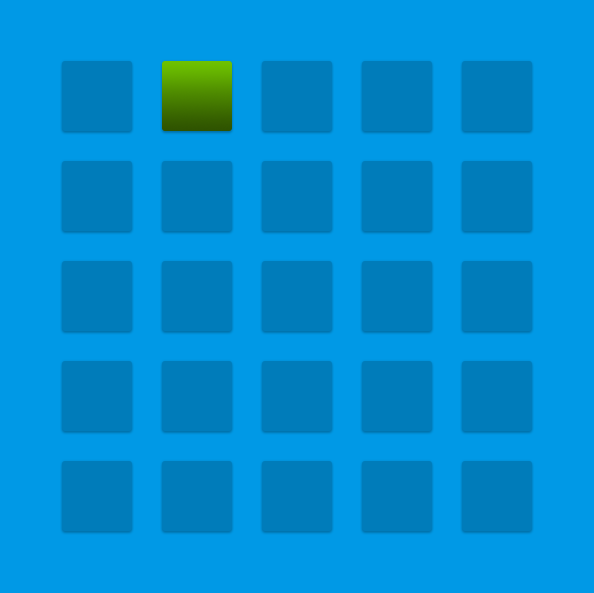
You have three seconds to click on the green shape on each screen.
The arrangement of the shapes will be similar to the visual below:
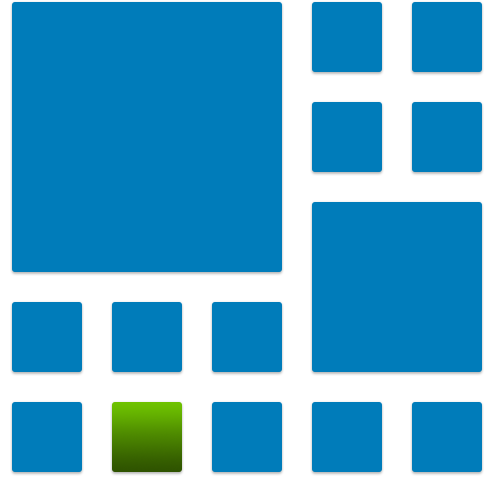
You have three seconds to click on the green shape on each screen.
The arrangement of the shapes will be similar to the visual below:
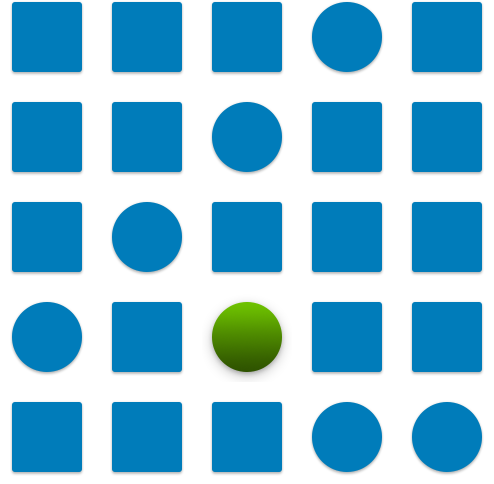
You have three seconds to click on the green shape on each screen.
The arrangement of the shapes will be similar to the visual below:
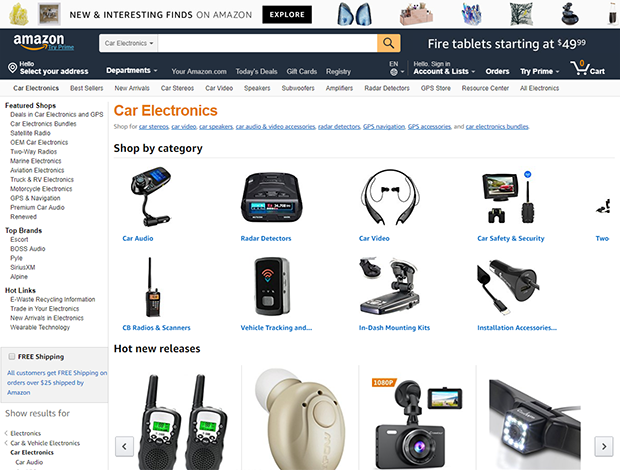
You will be presented with a user interface which will look similar to the image below. You have three seconds to click on the button marked 'Add to Cart'.
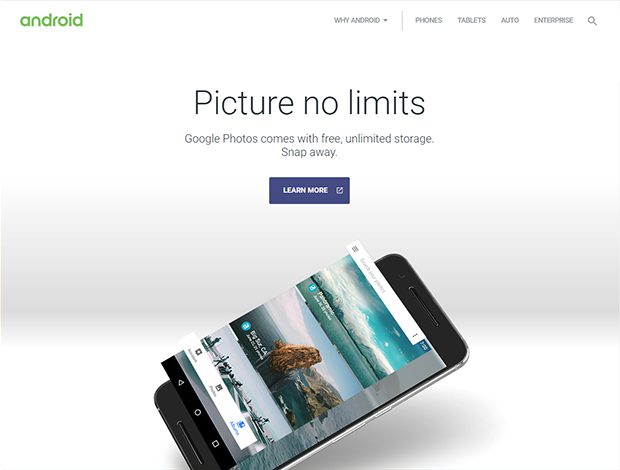
You will be presented with a user interface which will look similar to the image below. You have three seconds to click on the button marked 'POPULAR'.
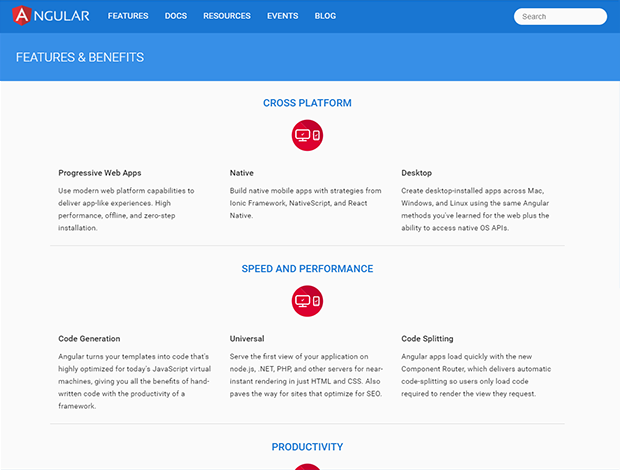
You will be presented with a user interface which will look similar to the image below. You have three seconds to click on the button marked 'GET STARTED'.
You will be presented with a user interface which will look similar to the image below. You have three seconds to click on the button marked 'CREATE YOUR BLOG'.

You will be presented with a user interface which will look similar to the image below. You have three seconds to click on the button marked 'Login'.
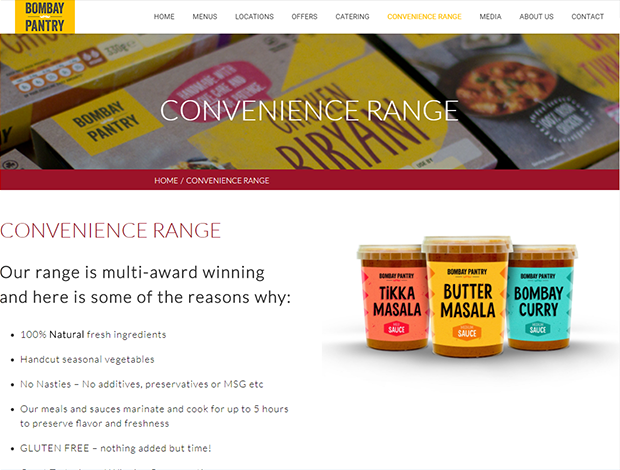
You will be presented with a user interface which will look similar to the image below. You have three seconds to click on the button marked 'DOWNLOAD'.
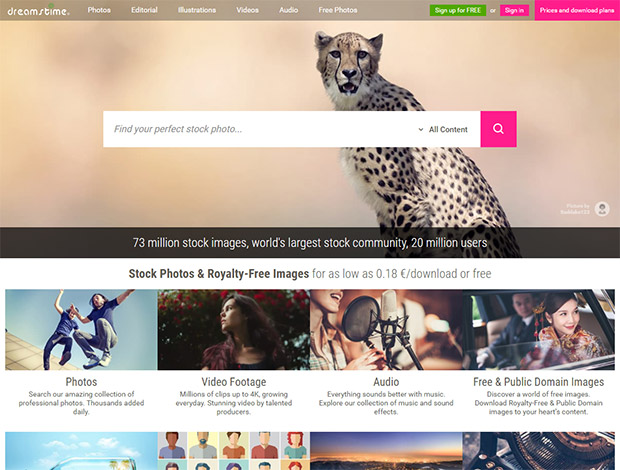
You will be presented with a user interface which will look similar to the image below. You have three seconds to click on the button marked 'Learn more'.
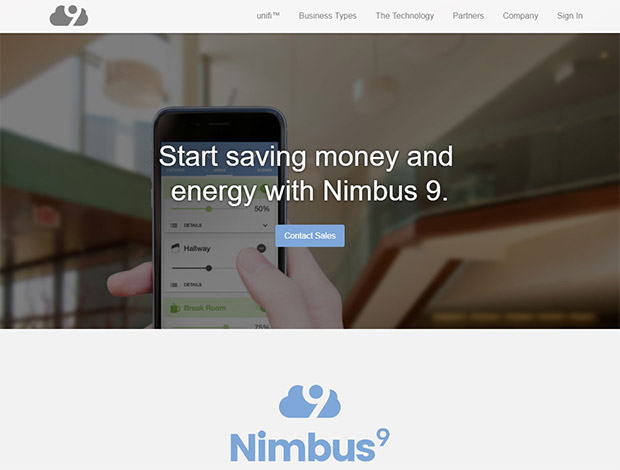
You will be presented with a user interface which will look similar to the image below. You have three seconds to click on the button marked 'Find Out More'.
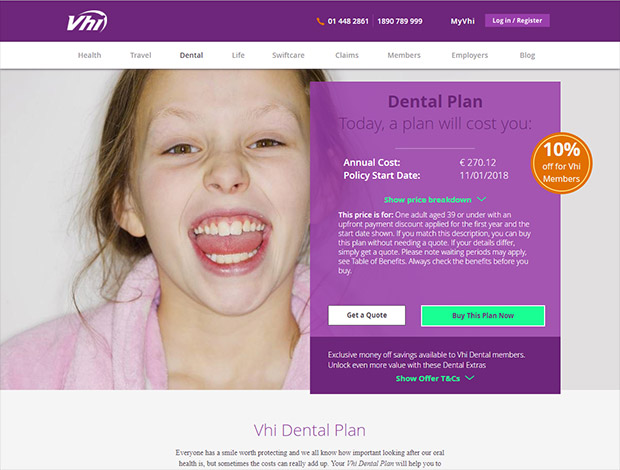
You will be presented with a user interface which will look similar to the image below. You have three seconds to click on the button marked 'READ MORE'.

You will be presented with a user interface which will look similar to the image below. You have three seconds to click on the button marked 'SEE HOW'.

Thank you for your assistance.
Click on INSTRUCTIONS to see details for the next level
When you have read the INSTRUCTIONS, click the NEXT LEVEL button
When you are ready, click the NEXT button